
Requirement Lens
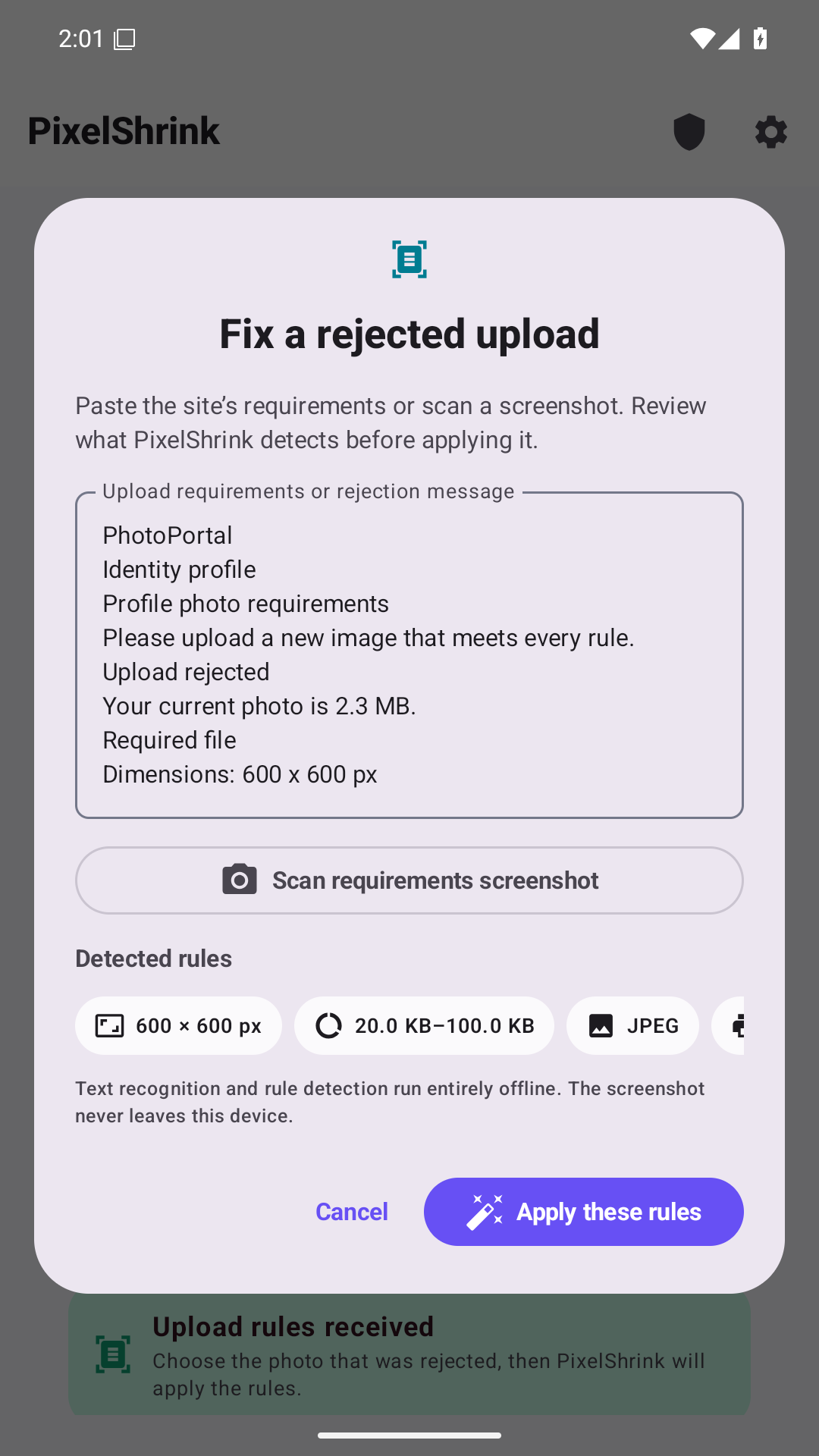
Detect common dimensions, file-size limits, formats, and DPI from a screenshot or pasted instruction—then review every setting.
A product by Kastovia Holdings LLC · Android
 PixelShrink
PixelShrink resizes, crops, compresses, verifies, and shares photo batches on-device. It can also read common upload requirements from a screenshot or pasted rejection message.
Product capabilities
Detect common dimensions, file-size limits, formats, and DPI from a screenshot or pasted instruction—then review every setting.
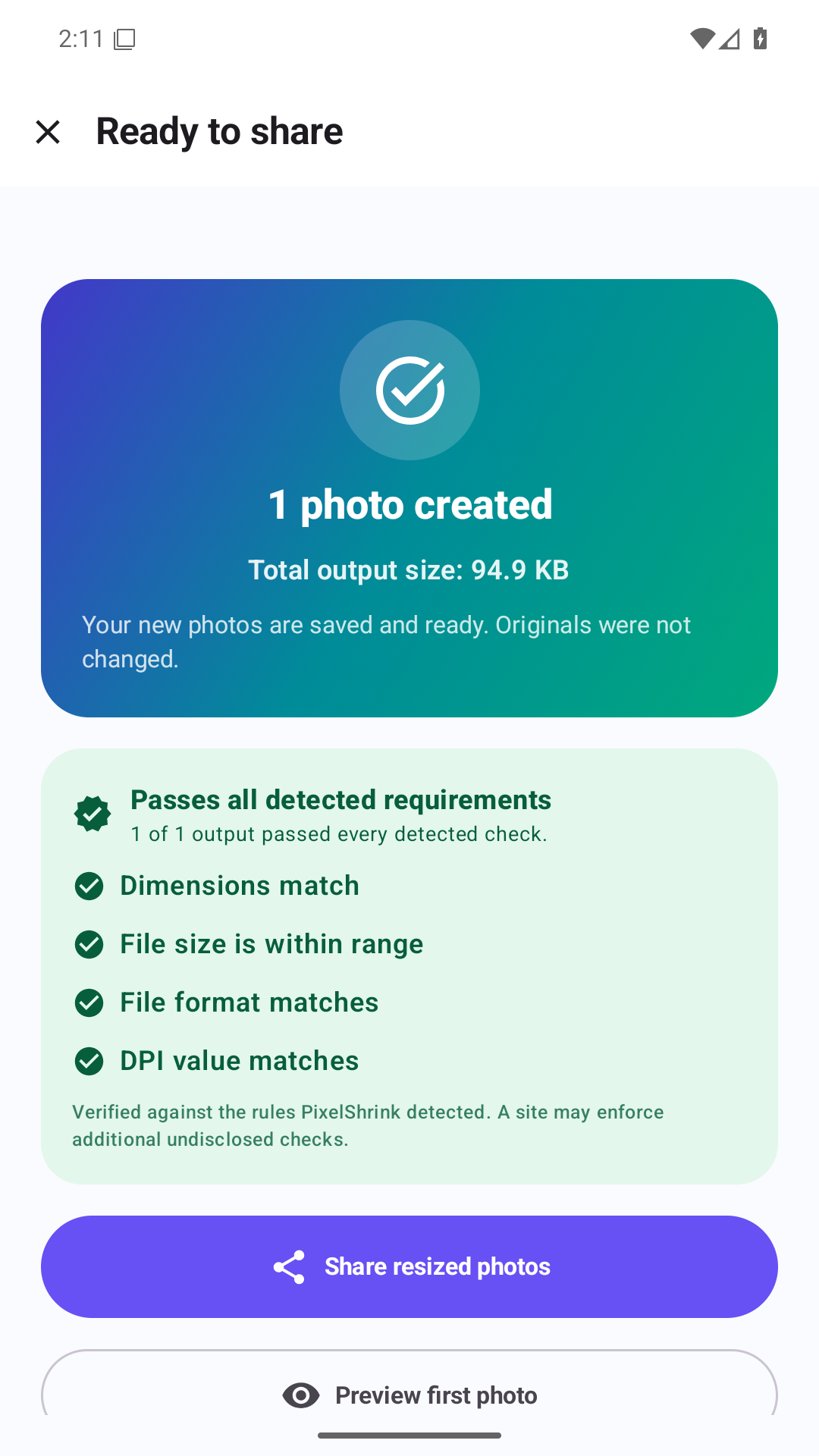
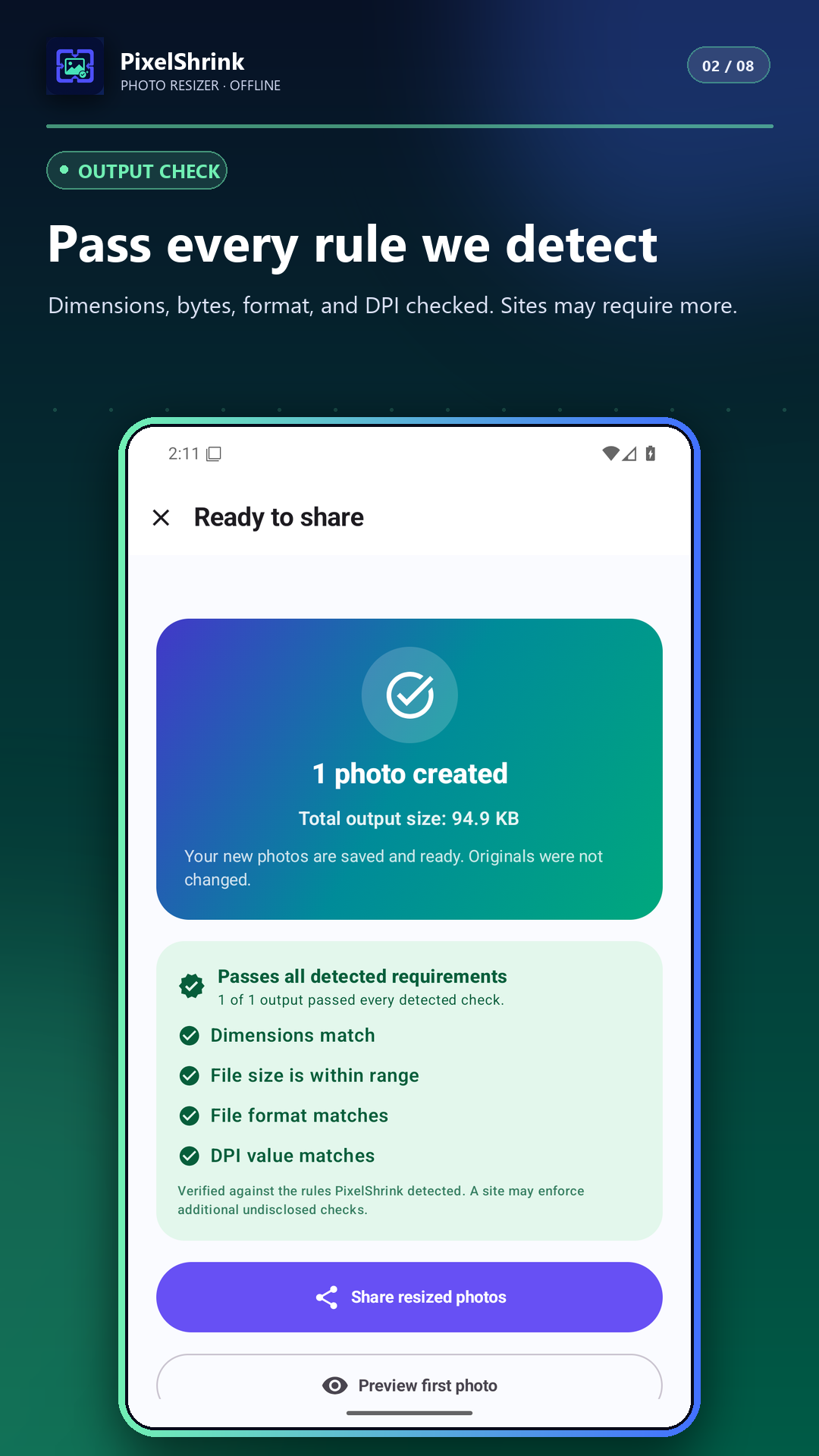
Check actual dimensions, bytes, format, and DPI before sharing.
Resize by exact pixels, percentage, long edge, or preset; crop, fit, pad, and target a maximum KB or MB.
Image processing stays on-device. Originals are never overwritten. There is no account requirement.
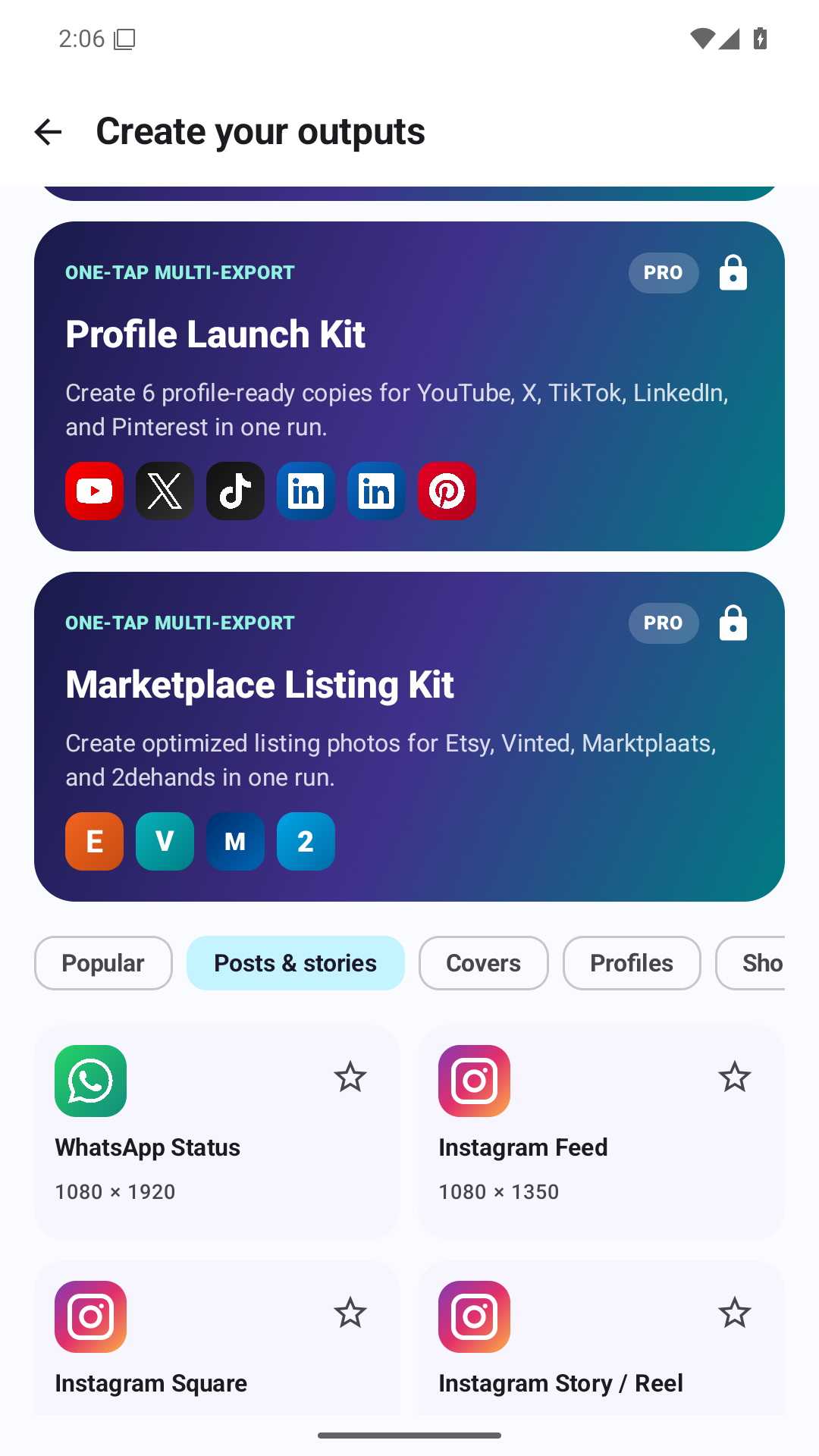
Unlock reusable presets, multi-export packs, and manual print controls with a permanent purchase—not a subscription.
A controlled workflow
PixelShrink keeps the user in control before a batch begins and again before the finished files are shared.
Privacy by design
PixelShrink processes images locally. Originals are never overwritten, and a new output is created for review and sharing.