
Released product · Android
PixelShrink: private, requirement-led image processing on Android
An Android utility that turns vague upload restrictions into a controlled local workflow: resize, crop, compress, verify, and share.
- Status
- Available on Google Play
- Platform
- Android
- Processing
- On-device
- Account
- Not required
A specific problem, fully framed.
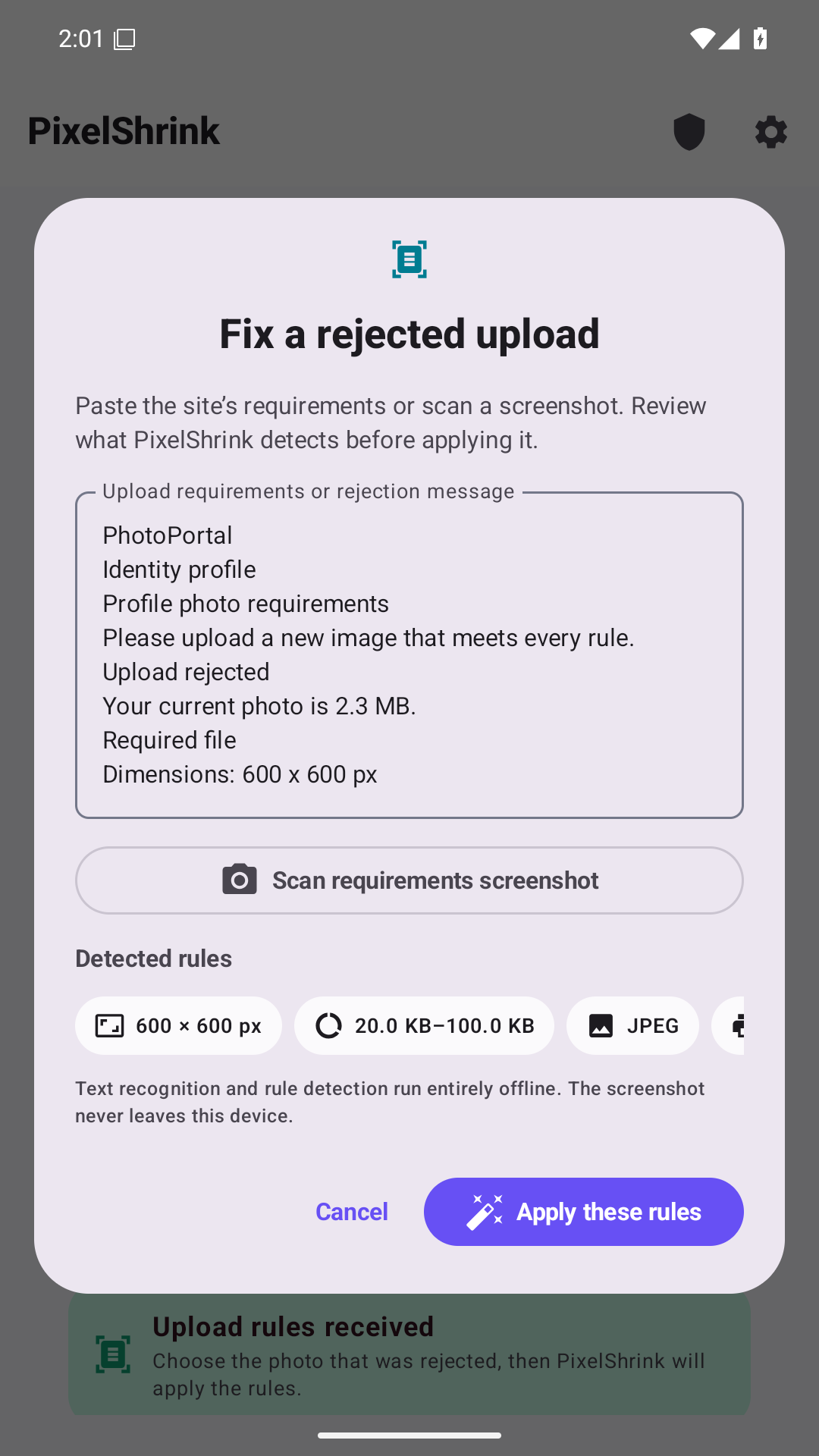
Image upload failures are often explained with fragments: a maximum file size, a required aspect ratio, or dimensions that users must interpret themselves. Existing tools frequently expose editing controls without connecting them to the actual acceptance requirement.
The product challenge was to make output constraints legible, preserve originals, support repeatable batch work, and avoid turning a simple utility into another cloud account.
Design the operating system, not only the interface.
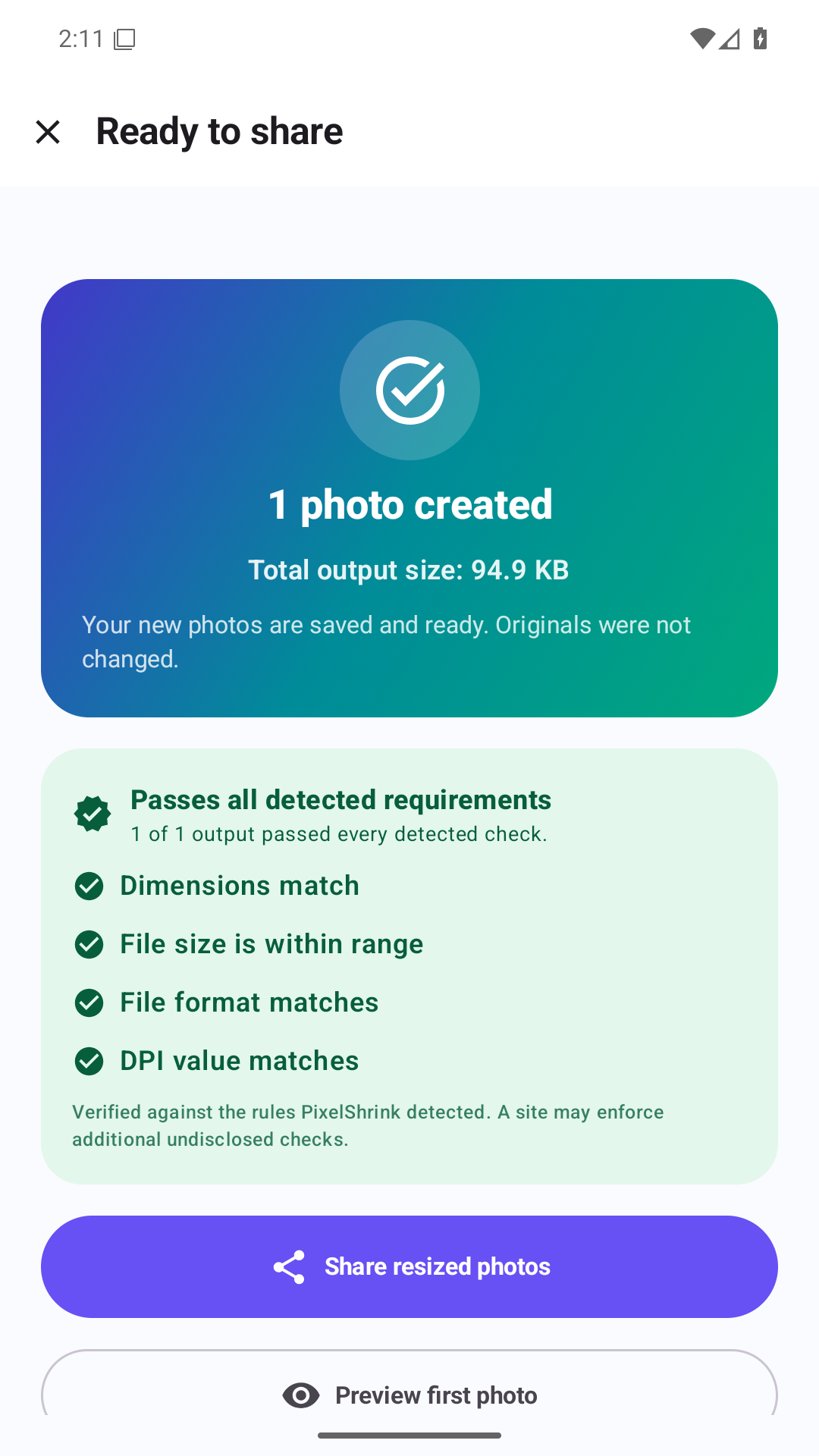
PixelShrink starts from the destination requirement. The user can resize, crop, and compress locally, then inspect a verified output before sharing it.
Private by architecture
Image processing happens on the device instead of uploading source photos to Kastovia.
Requirement-led
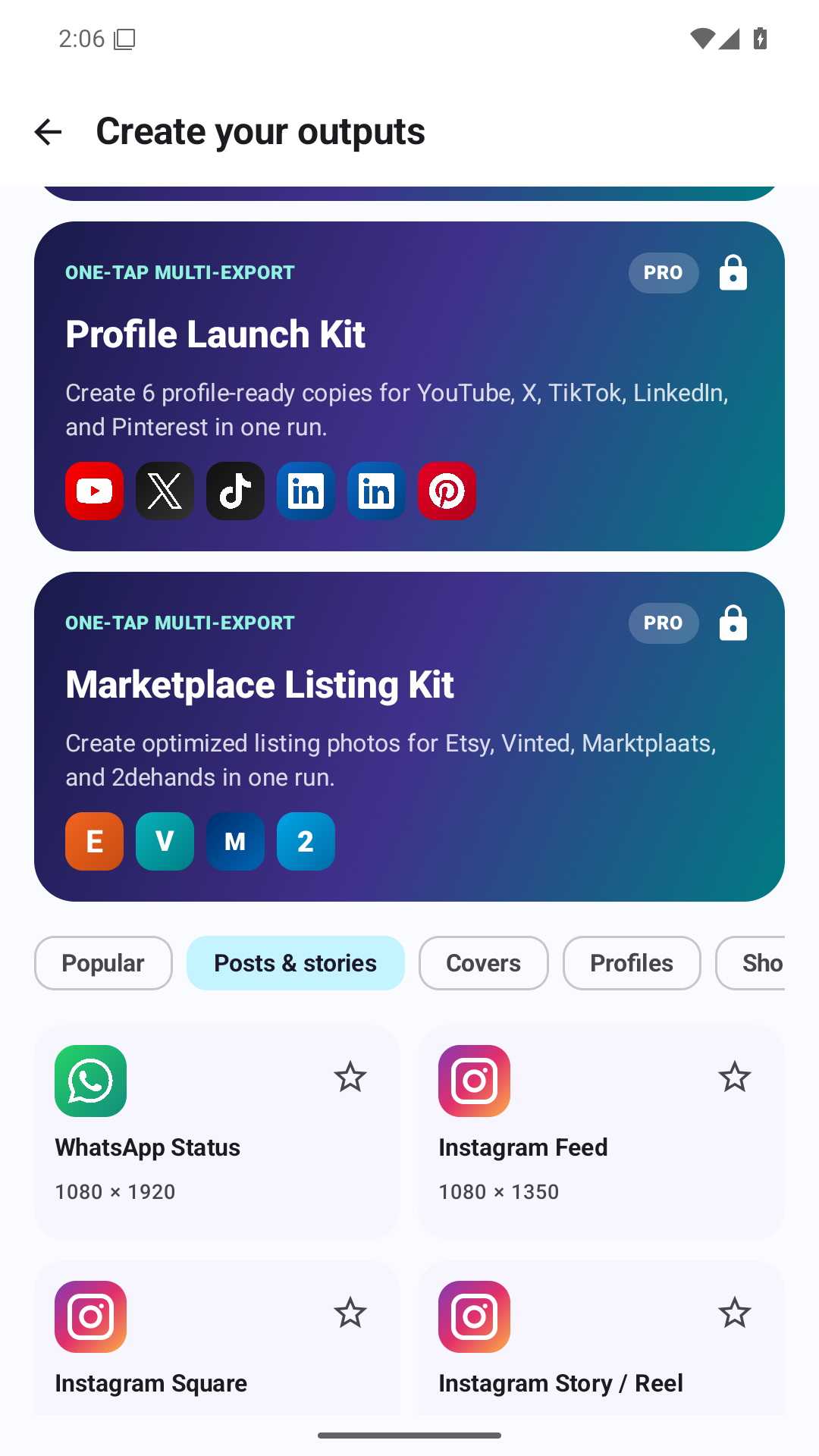
Presets and a requirement lens connect editing decisions to the intended destination.
Originals preserved
Generated outputs are separate, making the transformation safer to repeat.
What can be seen and verified.
A bounded outcome with visible limits.
PixelShrink is available on Google Play with batch resize and compression, verified output, no required account, and an optional one-time Pro unlock. It demonstrates Kastovia’s preference for bounded software that solves one recurring problem well.